CyberBrick Remote Control Pair
by ReDo.Toys (@ReDo.Toys)
Description
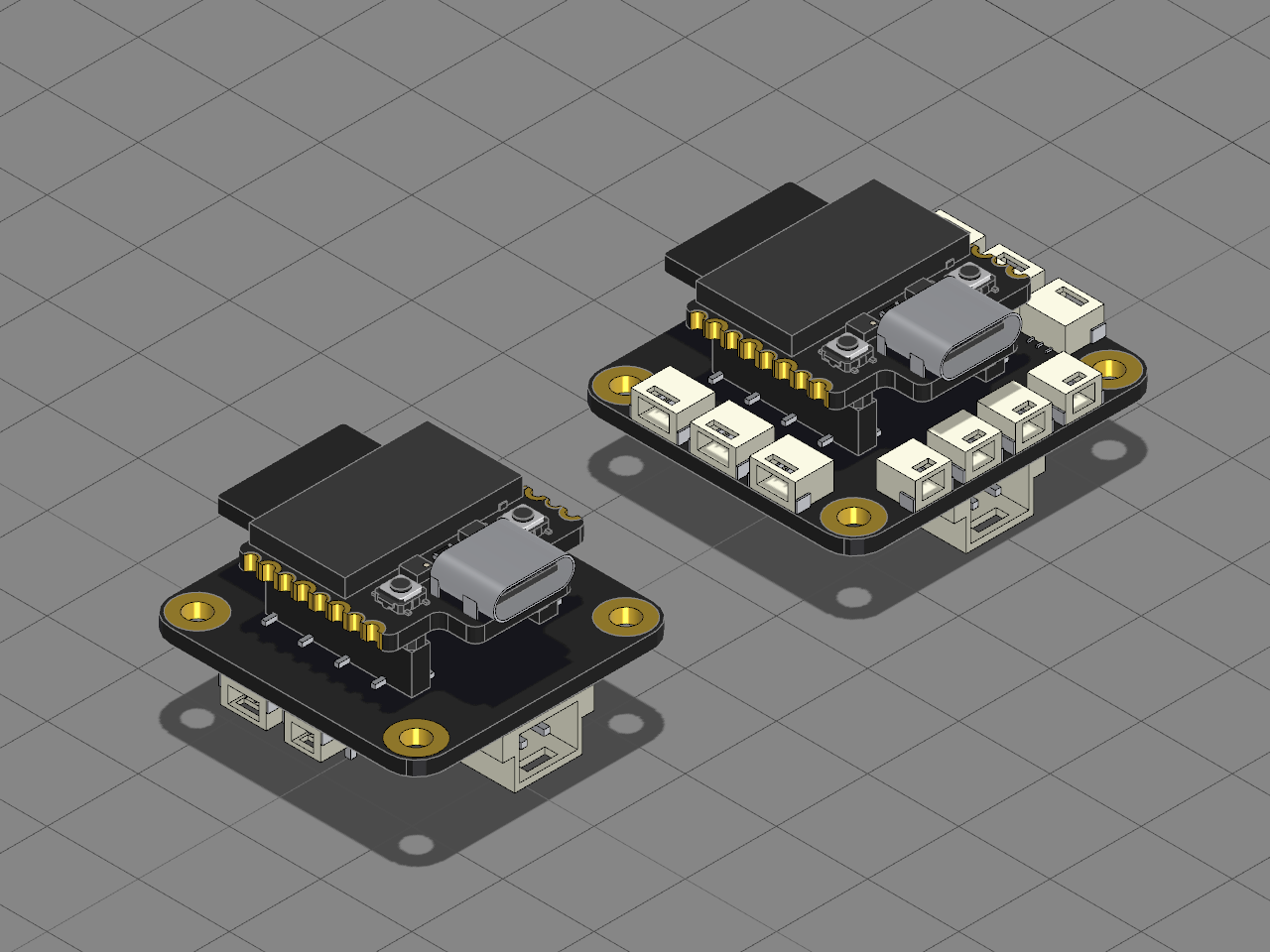
Bambu Lab's CyberBrick remote control, as it comes out of the box: a Multi-Function Controller Core plugged into the Remote Control Receiver Shield, and a second core plugged into the Remote Control Transmitter Shield. The two pairs talk by 2.4 GHz radio, so nothing joins them.
## How it fits together
- **The core.** Its two rows of eight 2 mm pins underneath drop into the pair of sockets on either shield, pin for pin. The antenna symbol printed on the core and on each shield point the same way when it is the right way round.
- **The receiver.** Down its sides are the DC motor ports M1 and M2 and the WS2812 LED ports D1 and D2. Its servo headers sit underneath, and it takes 7.4 to 12.6 V into its XH2.54 power input.
- **The transmitter.** The joysticks and switches plug into its ADC ports, L1 to L3 down the left and R1 to R3 down the right, and the buttons into K1 to K4 along the front. It takes 4.5 to 12.6 V into its XH2.54 power input.
## Build it
1. Turn a core so its antenna symbol points the same way as the receiver's, and press it straight down into the receiver's two sockets.
2. Do the same with the second core on the transmitter.
3. Plug a battery into each shield's power input, pair them in the CyberBrick app, and plug motors, servos and LEDs into the receiver and joysticks and buttons into the transmitter.
In Assembly mode, pick a CyberBrick joystick or button and run a cable from its socket to one of the transmitter's ports.
Bill of materials
- 1 × Receiver Shield
- 1 × Controller Core on the receiver
- 1 × Transmitter Shield
- 1 × Controller Core on the transmitter
Licences
- Remote Control Receiver: CC BY-SA 4.0, credit CyberBrick. Downloads: STEP, STL and 3MF
- Multi-Function Controller Core: CC BY-SA 4.0, credit CyberBrick. Downloads: STEP, STL and 3MF
- Remote Control Transmitter: CC BY-SA 4.0, credit CyberBrick. Downloads: STEP, STL and 3MF